Check the sources.
See where an estimate comes from and how much confidence to put in it. TCGplayer, Cardmarket and PokePulse provide market data where available.
Loading...
 Holo Folder
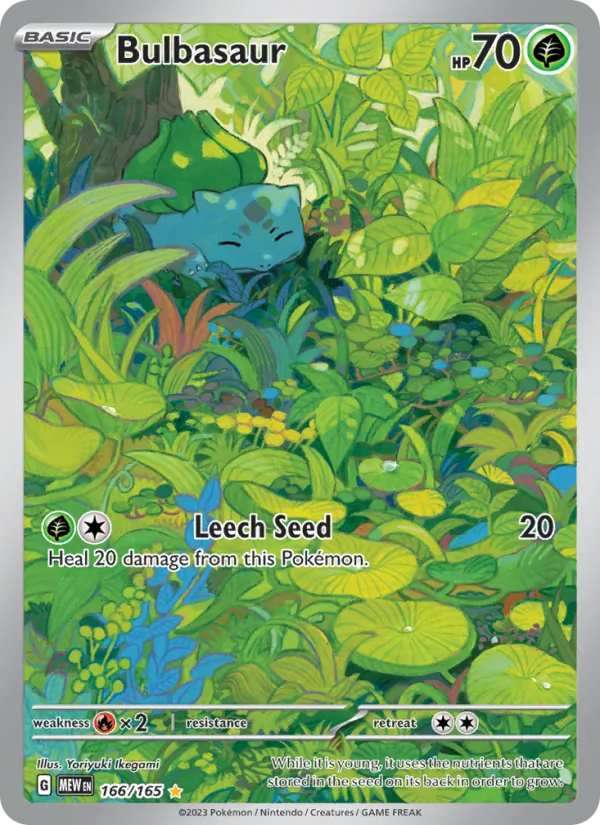
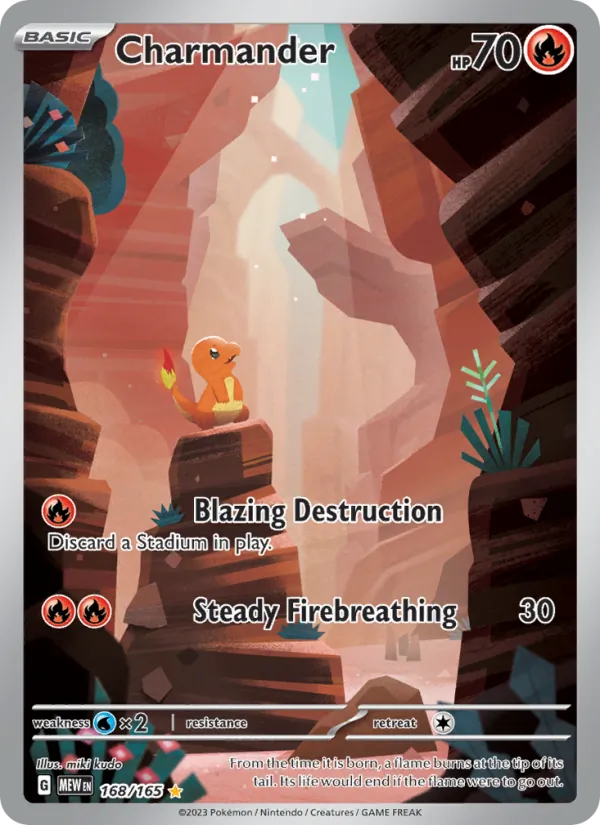
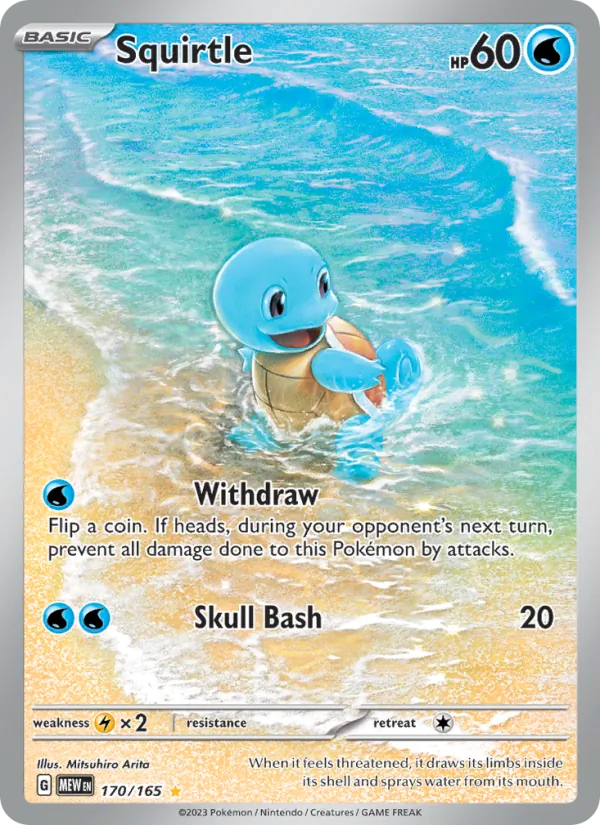
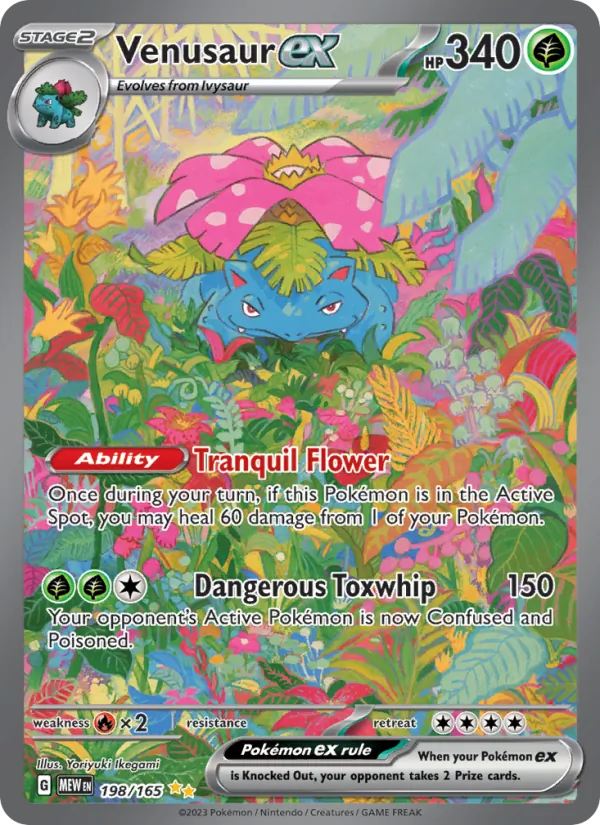
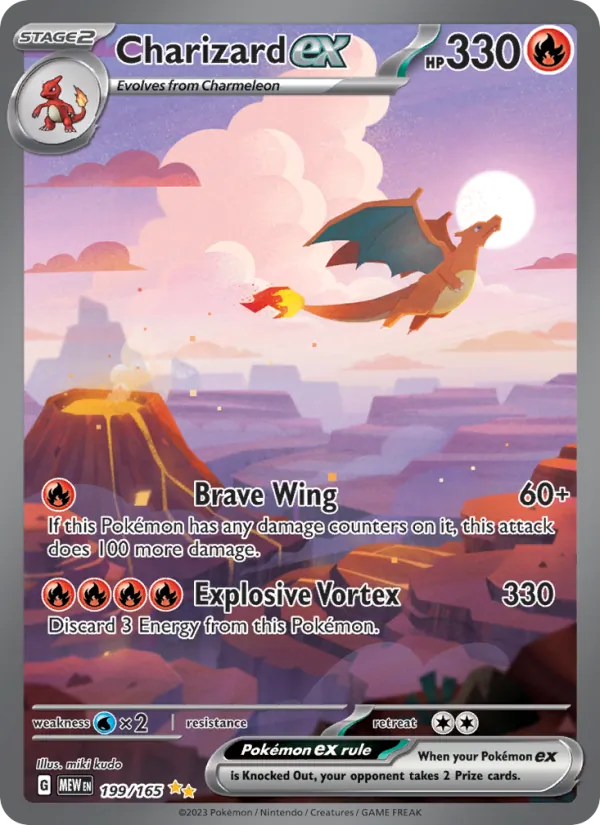
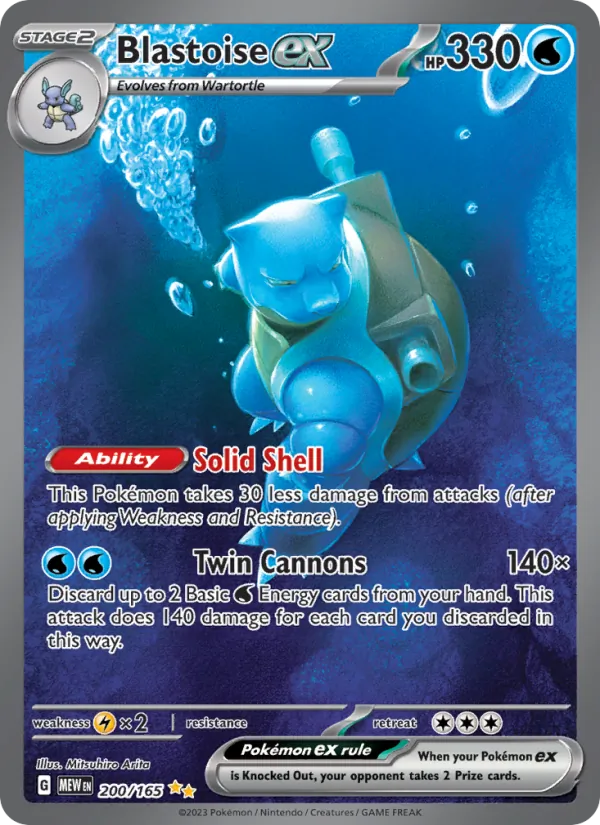
Bulbasaur
151 · 166 / 165
Start with your National Dex binder. Add the cards you own, keep a list of the ones you want, and leave room for a better find.
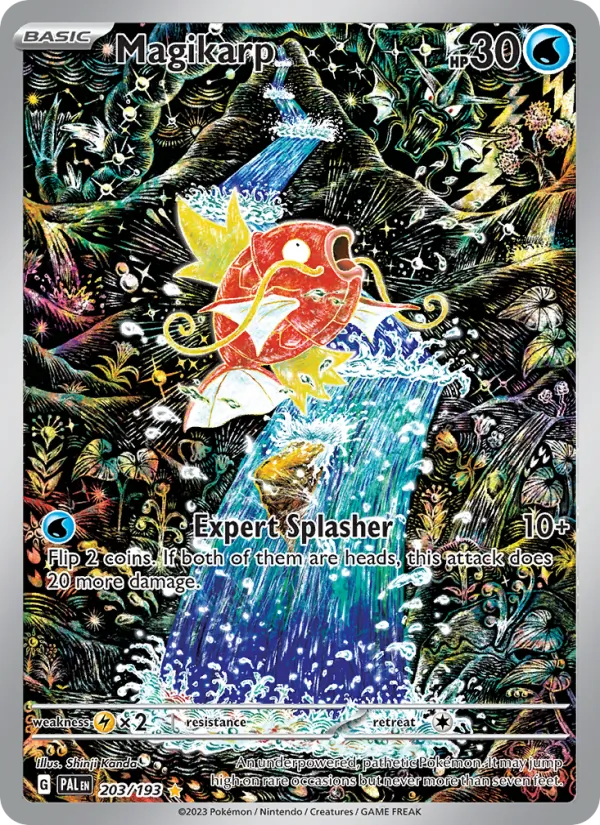
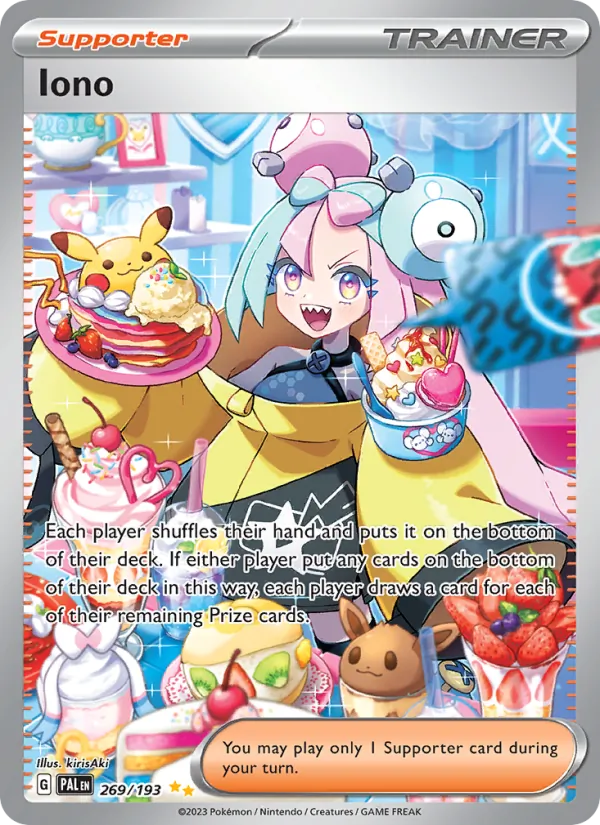

Check prices for the cards you own and the ones you’re after. See the market sources, price history and confidence behind each estimate.
See where an estimate comes from and how much confidence to put in it. TCGplayer, Cardmarket and PokePulse provide market data where available.
Look through saved price history. Rising and Breakout highlight moves backed by usable market data.
Keep the exact cards you want together, then compare prices when you’re deciding what to buy.
Match each Pokémon to the card you own. Keep its set, language and finish with it, and mark the cards you want to upgrade.
Scan a card or a binder page, then check the matches. Switch between your binder, list, wanted cards and sets.
Save wanted cards and check card prices with their source evidence. No more trying to remember which version you meant.
Send a read-only link to your collection. They can look through the binder without changing your cards.
Invite a partner to update the same collection. Your changes stay in sync, so you both know what’s already in the binder.
Install Holo Folder on your phone and keep your collection to hand. Offline edits sync when you’re connected again.
Holo Folder is free during early access.
Free
No subscription fee during early access.
Try colours, artwork and finishes in the 3D binder studio. Turn it around, open it up, and get the details how you like them.
Enter the binder studio